¥66,666.00 Original price was: ¥66,666.00.¥2,355.00Current price is: ¥2,355.00.
The price and pictures are not real!
🌍Country of origin: USA France Germany Estonia Norway UK
⌚Delivery date: in stock
🛠After-sales service: brand new with one year warranty
⚙️ Product Category: Module/Controller/Server/Motor/Touch Screen
🕰Warranty: 12 months/365 days
☎️ Please contact me: 15359029662 Ms. Amy Sun
📎Chinese official website: www.dcsplcabb.com
📩Email: geabbamy@gmail.com
💬Whatsapp: +86 15359029662

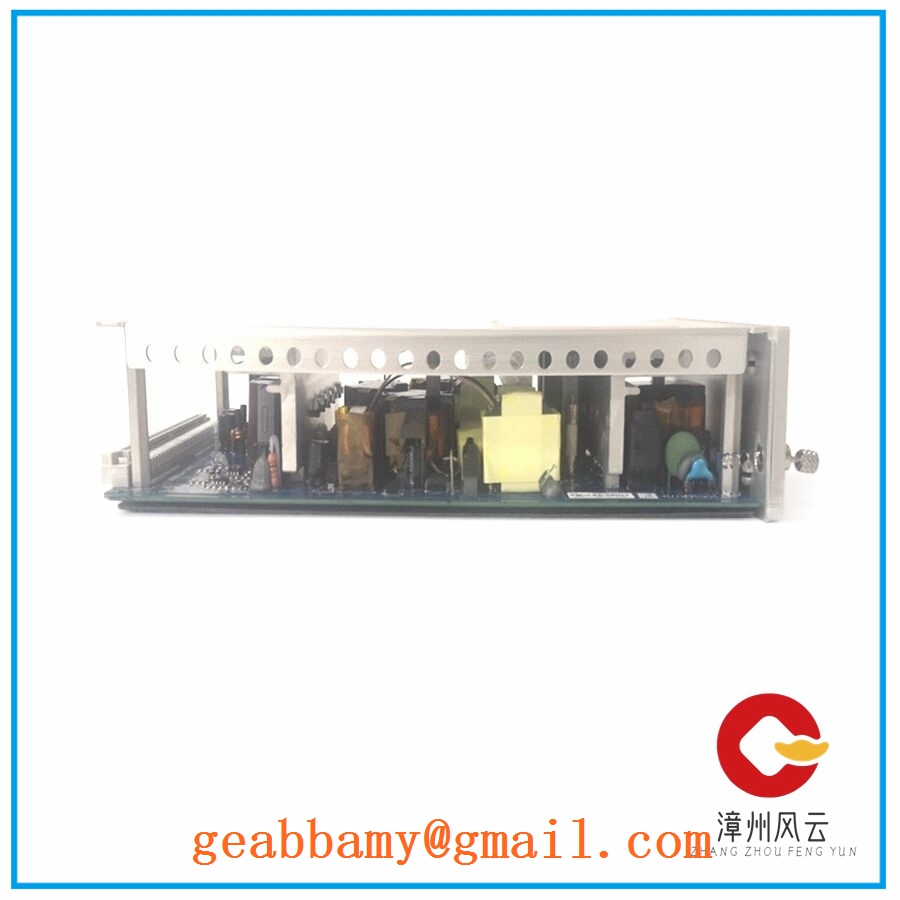
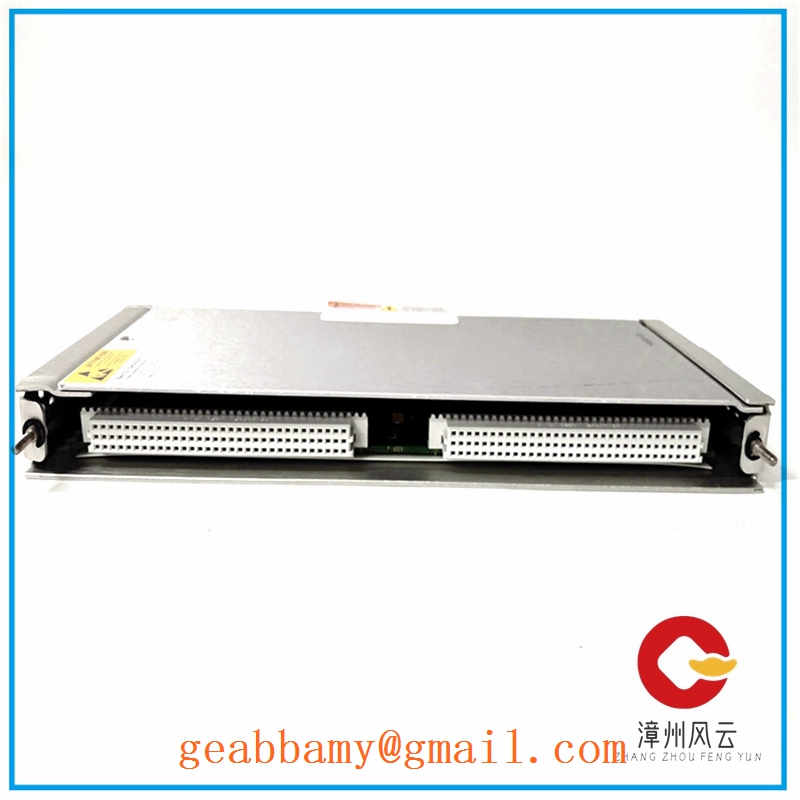
Model: 3BHE004059R0001
Brand: ABB (Asea Brown Boveri)
Series: ABB SDCS / Industrial Drive Control
Core Function: Central processing and control of industrial drive operations
Product Type: Digital Control Board / Drive Controller Board
Key Specs: Microprocessor-based control architecture, drive interface connections, control signal processing
Supply Status: Available upon stock confirmation
Stock: Contact us for current inventory
Warranty: Subject to order confirmation
Ship From: China
Important identification note: The SDCS-CON-2A designation also appears in ABB spare-parts references under other ordering numbers, including 3ADT309600R0002. Confirm the complete part number, PCB revision, and serial number before ordering.
Zhangzhou fengyun+2
Manufacturer: ABB
Model: SDCS-CON-2A
Ordering Number: 3BHE004059R0001
Product Category: Industrial Drive Control Board
Hardware Architecture: Microprocessor-based digital control electronics
Control Function: Drive regulation, signal processing, and internal interface management
Application Platform: ABB industrial drive systems; exact platform compatibility requires verification
Communication Interface: Depends on the associated drive configuration and installed interface hardware
I/O Interface: Drive-specific control signal connections
Mounting Type: Dedicated drive control assembly
Firmware: Revision-dependent; verify against the installed drive configuration
Installation Requirements: Correct board revision, compatible interface connections, and appropriate drive parameters
Note: Detailed electrical ratings, connector pin assignments, dimensions, and firmware compatibility should be confirmed against the original ABB documentation for the exact board revision. Do not use unverified specifications when preparing a replacement.
In industrial drive installations, a control board failure can interrupt motor regulation, speed feedback processing, and communication with other drive components. This becomes particularly troublesome in steel processing, paper production, and other continuous-operation facilities.
Replacing a control board is not simply a matter of finding a matching part number. The hardware revision, firmware, interface connections, and stored drive parameters all need to agree with the existing installation.
1. Steel and Metal Processing – Rolling Mill Drives
Used in industrial drive control assemblies supporting motor regulation in rolling mills, tension control equipment, and material handling systems. Correct control board compatibility helps maintain the existing drive configuration during maintenance.
2. Pulp and Paper – Production Line Drives
Paper machines depend on coordinated motor speed regulation across multiple production sections. A compatible replacement board helps maintenance teams restore the original control architecture.
3. Mining – Conveyor and Hoisting Systems
Industrial DC drive systems control heavy conveyor motors and material handling equipment. Spare control boards reduce the time required to recover from electronic control failures.
4. Cement Manufacturing – Heavy Motor Control
Large motors operate crushers, mills, and material transport equipment. Maintaining compatible drive control electronics helps avoid unnecessary changes to existing motor control arrangements.
5. Industrial Retrofit – Legacy Drive Maintenance
Older ABB drive installations often remain in service long after their original procurement cycle. Maintaining spare control boards gives engineering teams another option when original equipment becomes difficult to source.
Consider a paper manufacturing facility operating an older ABB DC drive system.
Background:
The maintenance team encounters intermittent drive faults during production. Initial investigation points toward the main control electronics.
Problem:
The original board is no longer readily available through the plant’s normal procurement channel. The maintenance department needs a replacement without redesigning the entire drive cabinet.
Solution:
The engineering team identifies the complete board ordering number, hardware revision, and existing drive configuration before sourcing a replacement.
The replacement procedure includes:
Recording the original board’s firmware and hardware revision.
Backing up drive parameters using the available ABB engineering tools.
Checking all ribbon cables and interface connections.
Comparing connector positions and board revisions.
Installing the replacement under an approved lockout/tagout procedure.
Restoring parameters and checking motor feedback and control signals.
Performing controlled startup and load testing.
Result:
The replacement approach preserves the existing drive architecture and avoids an unnecessary full-system retrofit, provided the replacement passes the compatibility checks.
This is where I would be particularly careful. Similar ABB SDCS product names do not automatically mean interchangeable hardware.
| Candidate Model | Compatibility Level | Main Difference | Required Action |
|---|---|---|---|
| 3BHE004059R0001 SDCS-CON-2A | Original model | Exact requested ordering number | Verify PCB revision |
| 3ADT309600R0002 SDCS-CON-2A | Unverified | Same SDCS-CON-2A designation, different ordering number | Compare hardware and firmware |
| 3ADT309600R1 SDCS-CON-2 | Unverified | Related SDCS-CON control board designation | Confirm drive generation and interfaces |
| 3ADT220072R4 SDCS-CON-2 | Application-dependent | Different documented SDCS-CON-2 hardware reference | Check revision and drive software |
ABB documentation identifies different SDCS-CON-2 hardware references for different software revisions. Therefore, matching the product family alone is insufficient.
ms.nordwel.com+1
–
3BHE004059R0001: Preferred when the existing board carries the same complete ordering number and compatible revision.
–
3ADT309600R0002: Shares the SDCS-CON-2A designation, but a direct replacement cannot be assumed.
–
3ADT309600R1 and 3ADT220072R4: Related control board references. Confirm the drive model, hardware revision, and firmware before considering substitution.
My recommendation: If the original 3BHE004059R0001 remains available, prioritize it over an unverified substitute.
Before purchasing an alternative, request:
Front and rear PCB photographs.
Complete ordering number and revision.
Firmware identification.
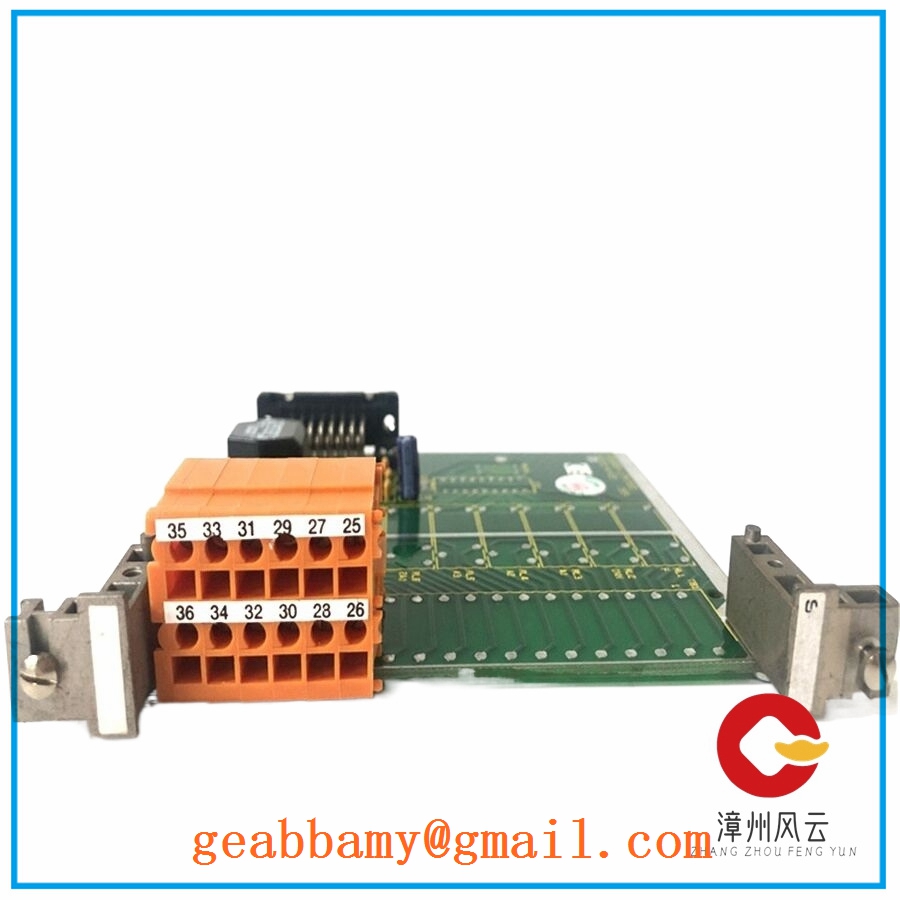
Connector and terminal layout.
Confirmation of the target drive model.
Price differences should be evaluated after technical compatibility is established. I would not assign replacement price premiums without actual supplier quotations.
| Fault Symptom | Possible Cause | Board Relevance | Quick Check | Recommended Action |
|---|---|---|---|---|
| Drive controller does not start | Internal board fault or missing supply | High | Measure control supply at the documented test points | Verify power supply before replacing board |
| Drive reports control board fault | Processor or internal hardware fault | High | Read drive fault history | Compare fault codes with ABB documentation |
| Motor fails to respond to commands | Enable circuit or control signal problem | Medium | Check enable, interlock, and command signals | Trace external control circuit |
| Intermittent drive trips | Loose connectors or unstable supply | Medium | Inspect connectors and measure supply stability | Check connections and power quality |
| Speed feedback is unstable | Encoder or feedback interface problem | Medium | Compare feedback signals with actual motor speed | Inspect feedback wiring and interface board |
| Communication failure | Interface board, wiring, or configuration problem | Medium | Check communication status and connection diagnostics | Verify interface configuration |
| Fault returns after reset | Persistent hardware or configuration fault | High | Record the diagnostic history before resetting | Investigate the underlying fault |
1. Control Board Does Not Power Up
Start with the power supply. A failed power interface can produce symptoms that look like a defective control board.
Check the documented control supply voltage.
Inspect board connectors and power connections.
Look for damaged components or burnt areas.
Compare the board’s indicator status with the ABB manual.
Do not apply an arbitrary 24 V DC supply directly to the board. Confirm the actual power input requirements first.
2. Drive Reports a Control Board Fault
This requires a closer look at the control electronics.
Record the complete drive fault code.
Check the control board’s diagnostic indicators.
Inspect internal ribbon cables and interface connections.
Verify firmware and hardware revision.
Compare the diagnostic information with the appropriate drive manual.
If the fault persists after checking external connections and supply conditions, the control board may require repair or replacement.
3. Motor Speed Regulation Becomes Unstable
Do not immediately blame the controller.
Check these items first:
Encoder or tachometer feedback.
Motor current feedback.
Control signal wiring.
Grounding and shielding.
Drive parameter settings.
A faulty feedback circuit can produce symptoms similar to a controller malfunction.
4. Communication Problems After Board Replacement
This is a classic commissioning trap.
A replacement board may have a different firmware revision or configuration. Even when the physical connectors match, the drive may not recognize the replacement correctly.
Before startup:
Compare the old and new board revisions.
Verify firmware compatibility.
Restore the correct drive parameters.
Check communication interface settings.
Confirm that all internal connections are correctly seated.
We recommend a documented inspection process for this type of industrial control board.
Stage 1 – Incoming Inspection
Verify the supplier’s traceability documents and available original packaging records.
Check serial numbers and identification labels.
Inspect the PCB for corrosion, scratches, discoloration, and repair marks.
Check connectors, components, and mounting points.
Verify the supplied accessories and documentation.
Stage 2 – Functional Testing
Use a compatible ABB drive test setup rather than an unrelated PLC test rack.
Perform a controlled power-up.
Record LED and diagnostic status.
Check communication and internal interface functions where supported.
Verify relevant input and output signals.
Perform an operating test under an appropriate test configuration.
Record test conditions and results.
Stage 3 – Electrical Inspection
Check for visible electrical damage.
Verify grounding continuity where applicable.
Perform insulation testing only when ABB documentation permits it.
Avoid applying a 500 V insulation tester directly across sensitive electronic circuits.
Stage 4 – Firmware and Configuration Verification
Record the installed firmware revision.
Photograph DIP switches and jumper settings where fitted.
Compare configuration against the original board.
Preserve available parameter backups.
Stage 5 – Final Inspection and Packaging
Obtain quality inspection approval.
Seal the board in an antistatic bag.
Add protective cushioning and a suitable shipping carton.
Attach a QC identification label with the inspection date.
Test reports, inspection photographs, and available operating videos can be provided for customer review when generated for the actual unit.
Engineering advice: For legacy ABB drive systems, the safest replacement is not necessarily the board with the closest-looking model number. Match the complete ordering number, revision, firmware, and drive configuration before installation. That small amount of preparation can save hours of commissioning work.