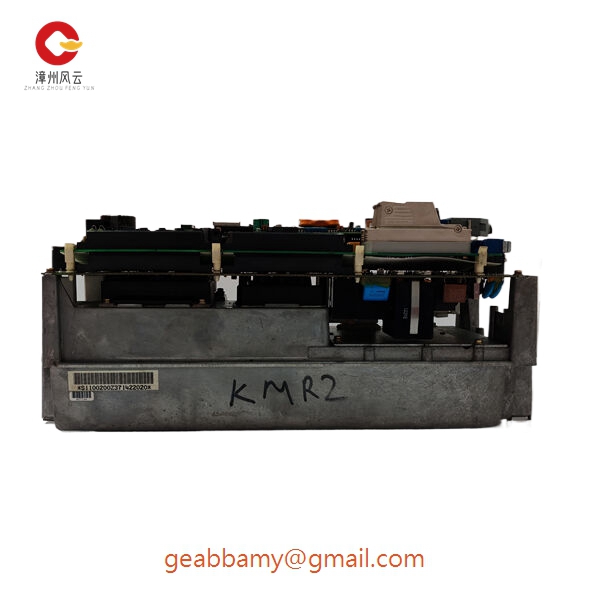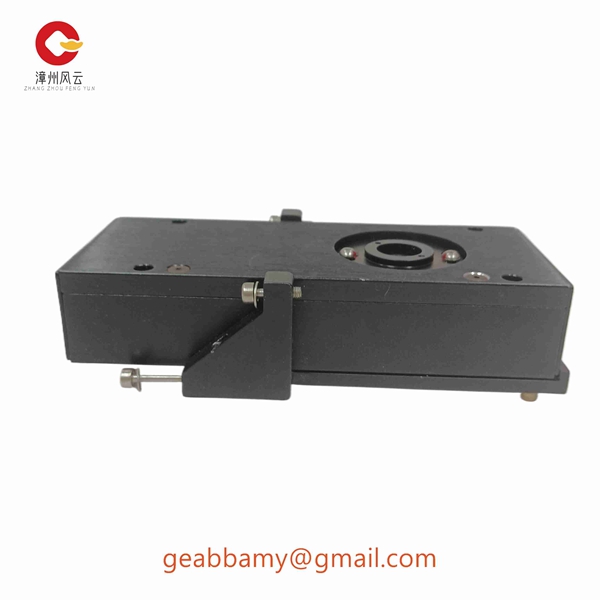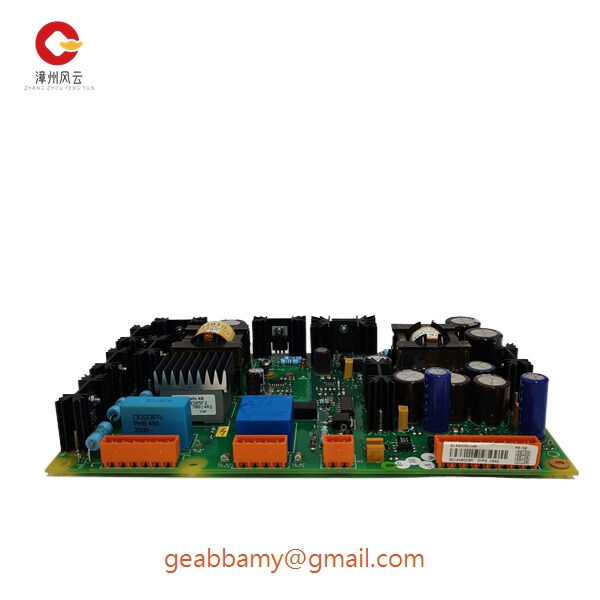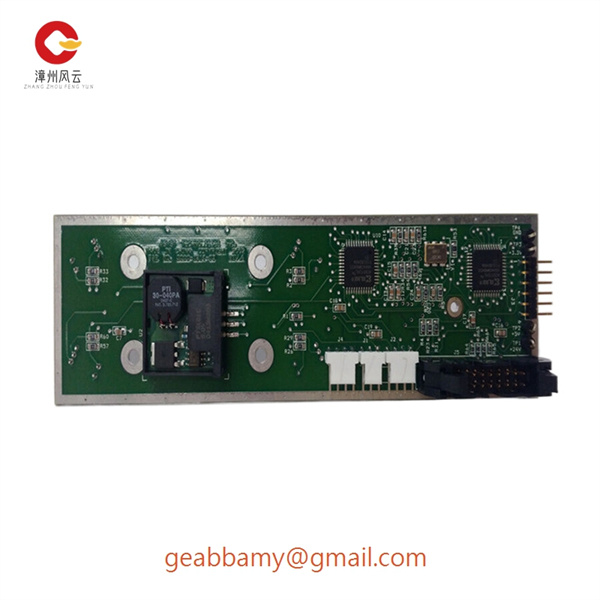

¥99,999.00 Original price was: ¥99,999.00.¥1,588.00Current price is: ¥1,588.00.
This image and price are not for reference. If you need to inquire, please contact me!
🌍Country of origin: USA France Germany Estonia Norway UK
⌚Delivery date: in stock
🛠After-sales service: brand new with one year warranty
⚙️ Product Category: Module/Controller/Server/Motor/Touch Screen
🕰Warranty: 12 months/365 days
☎️ Please contact me: 15359029662 Ms. Amy Sun
📎Chinese official website: www.dcsplcabb.com
📩Email: geabbamy@gmail.com
💬Whatsapp: +86 15359029662
If you have any products that you cannot find, you can consult anytime.


Model: ABB PM856
Brand: ABB
Series: AC 800M Controller Series
Core Function: Executes process control logic and coordinates system I/O
Product Type: Programmable Logic Controller (PLC) CPU Module
Key Specs: AC 800M platform, programmable control, modular I/O architecture
Supply Status: Available – confirm current stock
Stock: Available upon inquiry
Warranty: Confirm with supplier
Ship From: China
Manufacturer: ABB
Model: PM856
Product Family: AC 800M
Module Type: Controller / CPU Module
Application: Distributed Control System (DCS) and PLC applications
Programming Environment: ABB Control Builder M
System Architecture: Modular controller with distributed I/O
Communication: Depends on installed communication interfaces and system configuration
I/O Compatibility: Requires compatible AC 800M I/O modules and communication interfaces
Installation: Controller mounting arrangement compatible with the specified AC 800M hardware configuration
Firmware: Must be checked against the existing controller project
Power Requirements: Verify the applicable PM856 hardware manual and installation configuration
Dimensions and Weight: Confirm using the exact hardware revision and product label
In an industrial process plant, the controller is responsible for executing control logic and coordinating field I/O. A failure in the CPU can interrupt communication with operator stations, remote I/O, and other controllers. For maintenance teams running an established ABB AC 800M installation, replacing the processor without disturbing the existing application configuration is often the main concern.
1. Oil & Gas – Process Control Systems
Used in refinery process control, pump stations, compressor systems, and pipeline monitoring. The controller executes programmed sequences and coordinates process signals.
2. Power Generation – Auxiliary Control
Applied in boiler auxiliary systems, cooling water systems, pump controls, and plant utility automation.
3. Chemical Processing – DCS Applications
Coordinates temperature, pressure, flow, and valve-control loops through compatible I/O modules and communication interfaces.
4. Water Treatment – PLC and SCADA Systems
Handles pump sequencing, filtration control, chemical dosing, and process data exchange with supervisory systems.
5. Industrial Manufacturing – Machine and Process Automation
Supports coordinated equipment control where existing ABB AC 800M hardware and engineering projects remain in service.
Before installing a replacement PM856, check these items:
Confirm the complete model and hardware order code.
Check the existing controller firmware and Control Builder M version.
Verify the controller baseplate and mounting arrangement.
Identify connected S800 I/O and communication modules.
Confirm Ethernet connections, serial interfaces, and network configuration.
Back up the application and controller configuration before replacement.
Example system architecture:
TYPICAL AC 800M CONTROL SYSTEM
Operator Station / SCADA
Industrial Ethernet Network
ABB PM856 Controller
Control logic and process execution
S800 I/O / Communication Interfaces
Field Instruments / Valves / Motors
Conceptual architecture only. Actual topology depends on the installed hardware and project configuration.
For a spare controller, appearance alone is not enough. A practical inspection procedure should cover the following stages.
1. Incoming Inspection
Check supplier documentation and available purchase records.
Verify the serial number, product label, and order code.
Inspect the housing, connectors, terminals, and circuit board for corrosion, scratches, discoloration, or repair marks.
Check the supplied accessories and documentation against the order.
2. Live Functional Testing
Use a compatible ABB AC 800M test rack or an appropriately configured simulation setup.
Apply the specified 24 V DC supply.
Observe startup behavior and front-panel status indicators.
Check supported Ethernet and serial communication interfaces.
Verify application loading and controller diagnostics where the test configuration permits.
Perform an extended operating test and record temperature and diagnostic results.
3. Electrical Inspection
Verify supply voltage and current consumption.
Check grounding and electrical continuity.
Perform insulation or dielectric testing only where appropriate for the hardware and manufacturer procedures. Do not apply a generic 500 V insulation test to connected electronic circuits.
4. Firmware and Configuration Verification
Record the installed firmware revision.
Record the hardware revision and product identification.
Document available configuration and backup information.
Photograph any relevant switches or configuration settings.
5. Final Inspection and Packaging
Record the inspection results.
Use antistatic packaging.
Add protective cushioning and a suitable shipping carton.
Attach the inspection record and packing identification.
A test report, inspection photographs, and functional-test video can be requested where available. Actual test results should accompany the supplied unit rather than being assumed from the model number.
One important point: PM856, PM856A, and PM856AK01 should not automatically be treated as identical purchasing references. Check the complete order code before approving a replacement.
1. ABB PM856A
Compatibility: Software and hardware equivalence subject to the applicable hardware revision.
Difference: ABB documentation identifies PM856A as equivalent to PM856 unless otherwise stated.
Required checks: Hardware order code, firmware, application compatibility, and baseplate.
Recommendation: Check this version first when the original PM856 is unavailable.
2. ABB PM851
Compatibility: Similar platform, but not an unrestricted direct replacement.
Difference: PM851 does not support the second Ethernet port CN2 supported by PM856.
Required changes: Review Ethernet topology and existing communication assignments.
Recommendation: Not suitable where the existing application depends on CN2.
3. ABB PM860
Compatibility: Same AC 800M platform, but application compatibility must be assessed.
Difference: Higher application execution performance than PM856.
Required checks: Firmware, application execution, hardware configuration, and communication setup.
Recommendation: Consider only after an engineering compatibility review.
4. ABB PM856AK01 – 3BSE066490R1
Compatibility: Related AC 800M controller variant; not automatically interchangeable with every PM856.
Specifications: 16 MB memory, 24 MHz clock frequency, and 0.46 ms performance for 1,000 Boolean operations.
Required checks: Confirm the installed controller generation and engineering software compatibility.
| Replacement | Compatibility assessment | Engineering action |
|---|---|---|
| PM856A | Closest documented equivalent | Verify revisions |
| PM851 | Interface limitation | Check CN2 usage |
| PM860 | Platform-related alternative | Review application |
| PM856AK01 | Related hardware variant | Verify order code |
My recommendation: If the existing system uses PM856, sourcing the same complete hardware reference is the safest route. A similar model number does not guarantee a plug-compatible replacement.
The following checks help determine whether a PM856 controller is actually defective or whether the fault originates elsewhere in the AC 800M system.
| Fault Symptom | Possible Cause | PM856 Relevance | Recommended Check |
|---|---|---|---|
| Controller does not start | Power supply failure | Medium | Measure 24 V DC supply |
| Controller fails initialization | CPU or firmware fault | High | Check diagnostic indicators |
| Ethernet communication lost | Network or interface fault | Medium | Inspect CN1/CN2 connections |
| Controller application stops | Application or hardware fault | High | Review controller diagnostics |
| I/O modules unavailable | ModuleBus or I/O fault | Medium | Check S800 I/O status |
| Intermittent controller resets | Power instability or hardware fault | High | Monitor supply voltage |
| Controller cannot load application | Firmware or project mismatch | High | Check Control Builder M compatibility |
1. Controller Does Not Power Up
Relevance: High if the power supply has already been verified.
Inspection steps:
Measure the controller supply at the appropriate 24 V DC terminals.
Confirm that voltage remains within the specified operating range.
Inspect the power supply module and electrical connections.
Check the controller baseplate and connector seating.
If supply voltage is correct but the controller still fails to initialize, investigate the processor hardware.
2. Ethernet Communication Failure
Relevance: Medium to high.
PM856 has two Ethernet interfaces, CN1 and CN2, in the documented hardware configuration.
Check the following:
Inspect Ethernet cables and connector seating.
Check switch port status and link indicators.
Verify IP address and subnet configuration.
Check for duplicate IP addresses.
Review communication diagnostics in the engineering environment.
Verify whether the application uses CN2 before considering another controller model.
Do not replace the CPU simply because an operator station reports a communication timeout.
3. Controller Application Fails to Start
Relevance: High.
Recommended checks:
Connect using the appropriate Control Builder M engineering environment.
Read the controller diagnostic information.
Check firmware compatibility with the application project.
Verify application configuration and retained data requirements.
Compare the installed hardware revision with the project configuration.
If the replacement controller uses a different firmware revision, confirm compatibility before downloading the application.
4. S800 I/O Modules Become Unavailable
Relevance: Medium.
A missing I/O module does not automatically indicate a defective PM856.
Check:
ModuleBus connections.
I/O module power supply.
Module status indicators.
I/O configuration in the application.
Communication interface status.
Cable and connector condition.
If other I/O modules remain operational, isolate the affected module or bus segment before replacing the controller.
5. Intermittent Controller Resets
Relevance: High after external causes have been eliminated.
Inspection steps:
Monitor the 24 V DC supply during normal operation.
Check for voltage dips during equipment startup.
Inspect grounding and electrical connections.
Check cabinet temperature and ventilation.
Review controller diagnostics for restart or hardware-related events.
A replacement controller should be considered only after the power supply and cabinet environment have been checked.
Before removing an existing PM856, I recommend recording these details:
Original controller order code and serial number.
Firmware revision.
Control Builder M version.
Application backup.
Ethernet configuration.
CN1/CN2 connection assignments.
Battery and retained-data requirements.
Baseplate and connected module configuration.
Do not assume that the PM856 supports unrestricted hot replacement in every installation. Follow the applicable ABB hardware manual and site shutdown or redundancy procedures.
Technical support information to prepare:
If the fault remains unresolved, provide the following information to your automation support engineer:
Photographs of the controller label and front-panel indicators.
Diagnostic messages and error logs.
Firmware revision.
Existing controller configuration.
System architecture and connected I/O modules.
This information makes it much easier to distinguish a genuine processor failure from a network, power, firmware, or configuration problem.
Technical reference: ABB AC 800M Controller Hardware Product Guide and ABB AC 800M Hardware Selector. Specifications and replacement suitability must be checked against the exact PM856 hardware revision.
Controller Hardware: Hardware and Operation+3