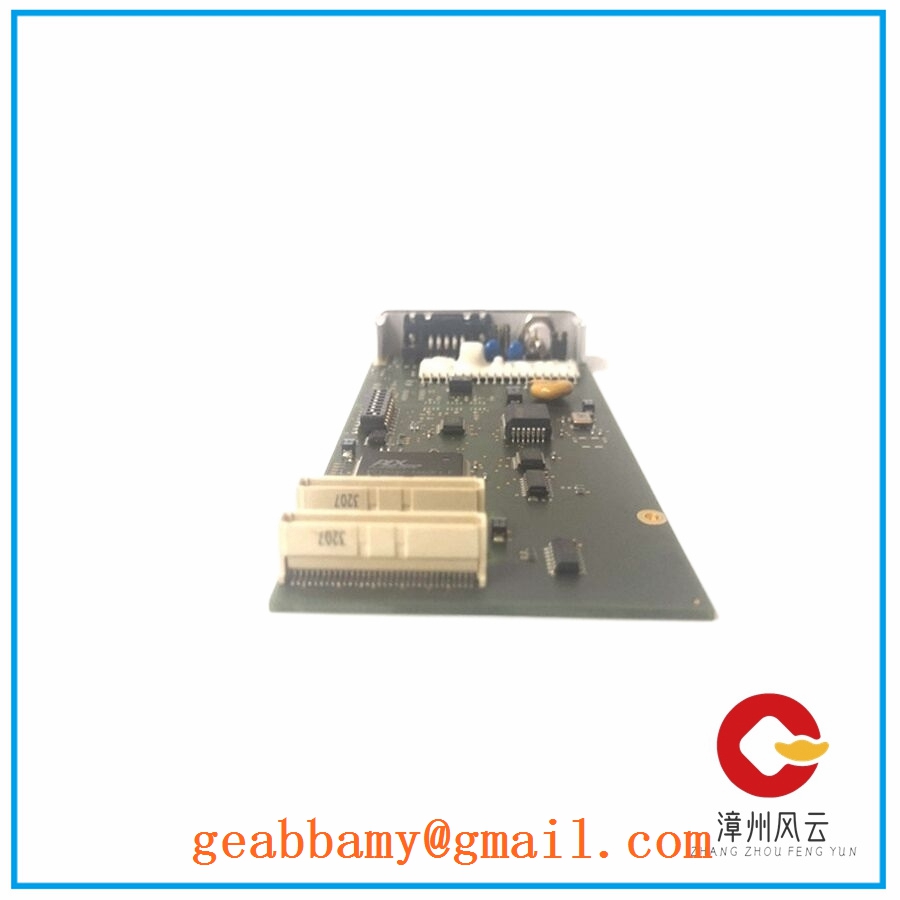
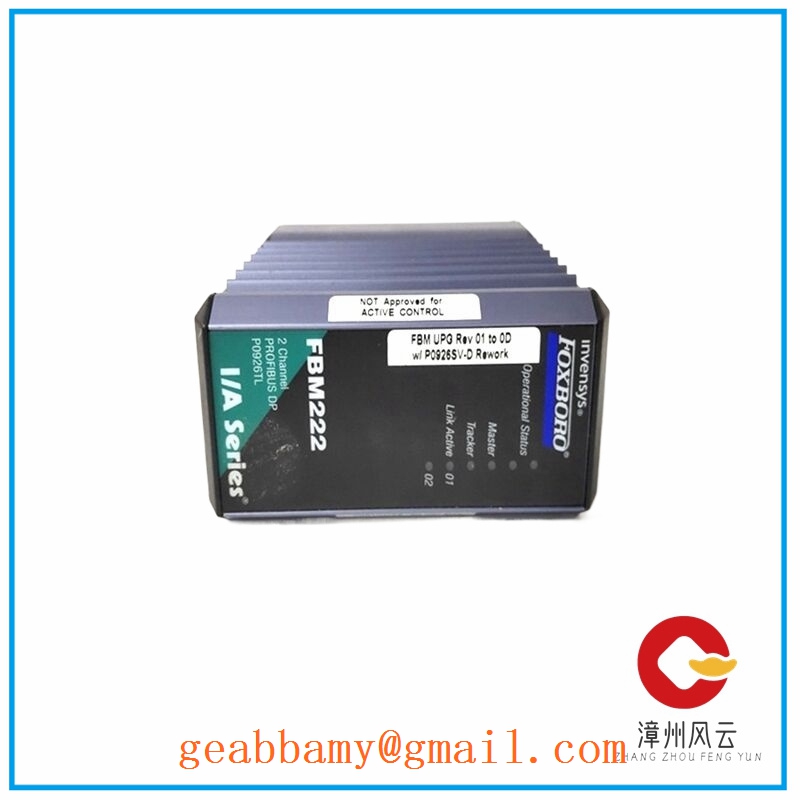
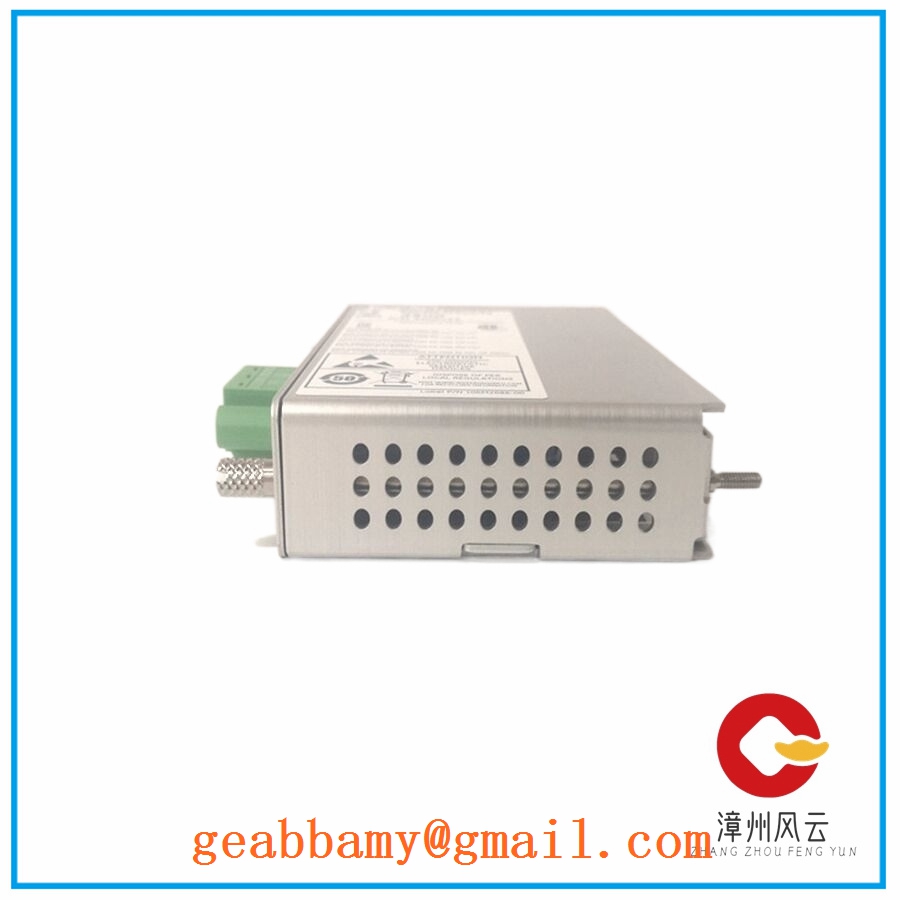
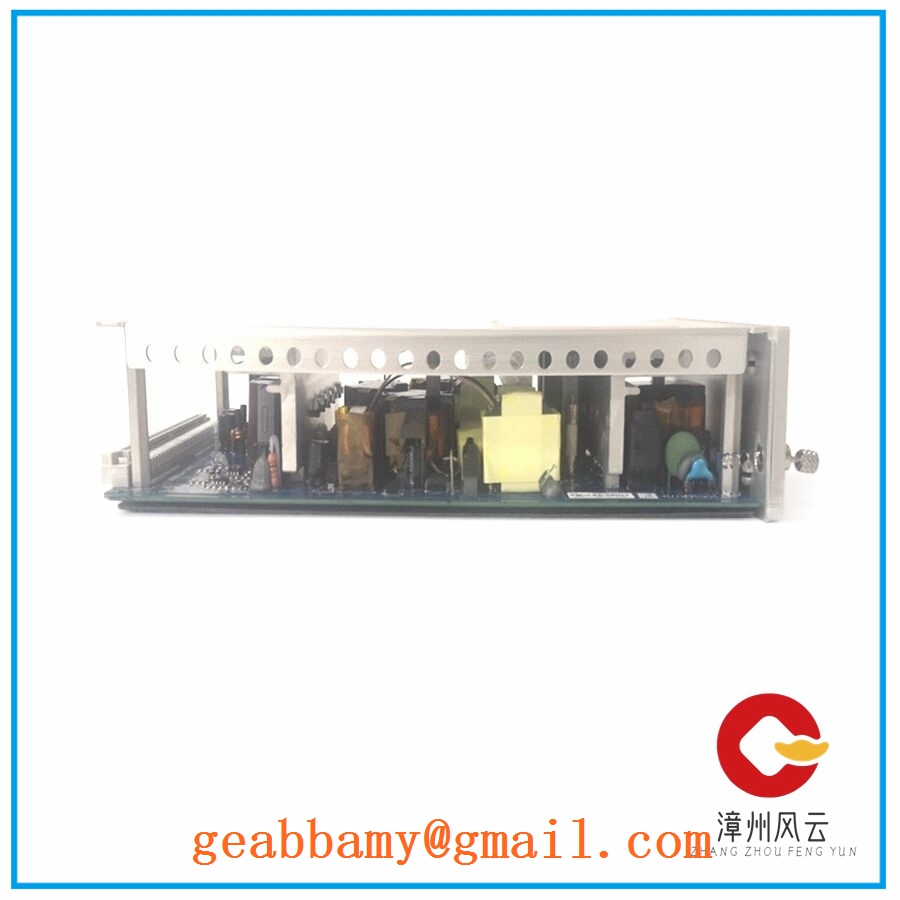
Product Description
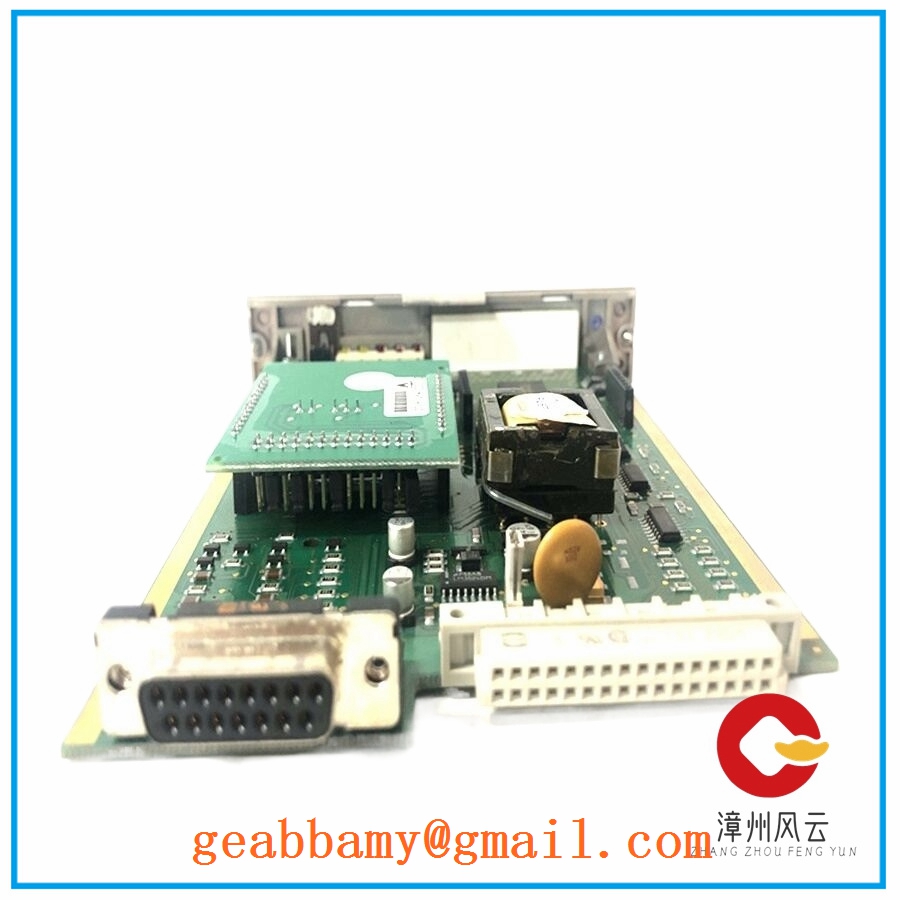
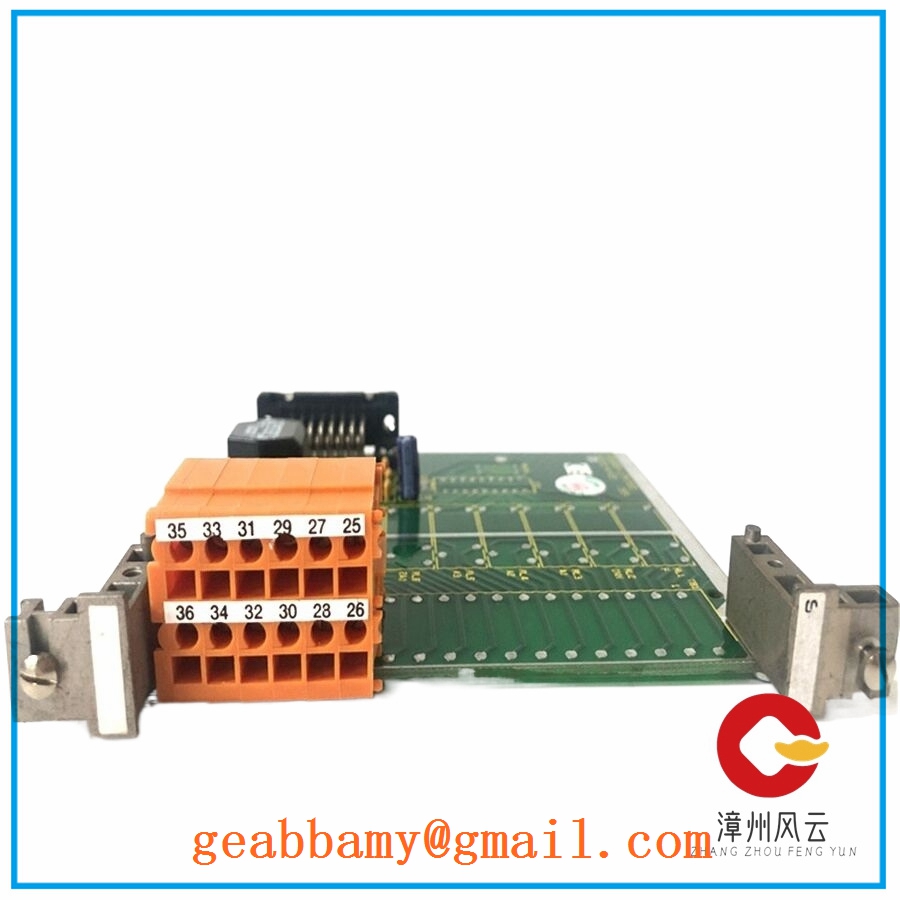
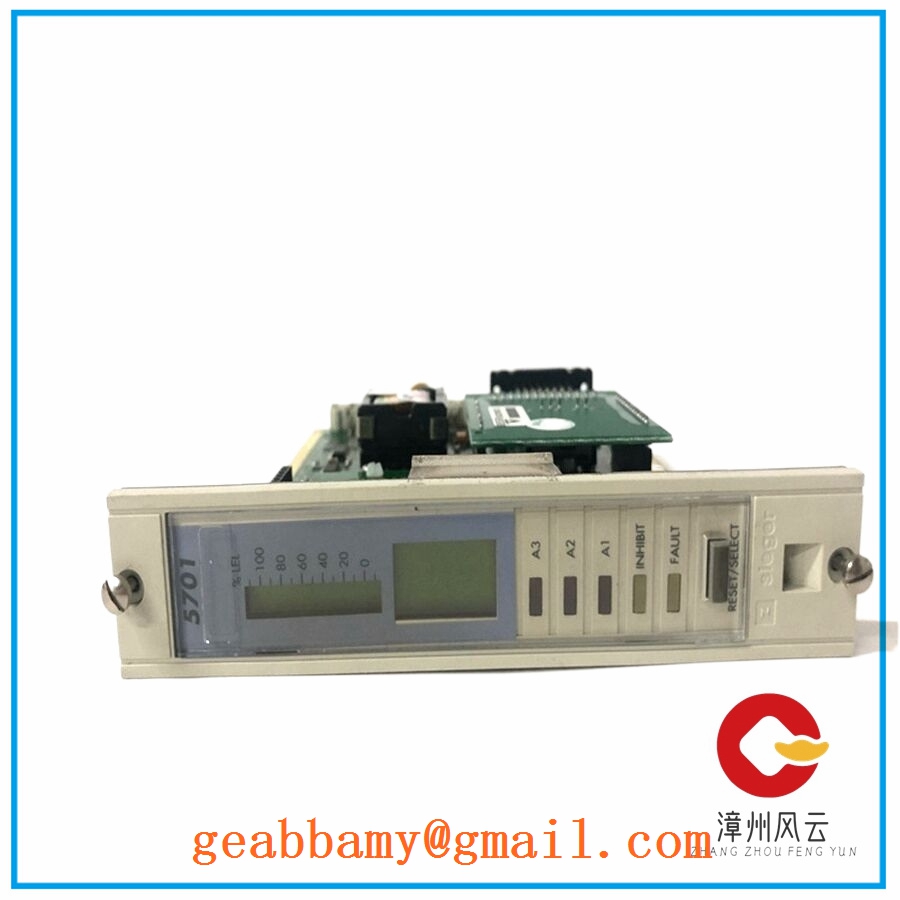
The GE AL122 is an industrial automation hardware module offered as a spare component for GE control system applications. It is intended for use in compatible industrial control equipment and maintenance environments where matching the original module designation and hardware configuration is essential.
The AL122 is identified in third-party industrial spare-parts listings. However, its exact product family, functional classification, electrical characteristics, and system compatibility have not been independently confirmed through an original GE technical manual.
For replacement and maintenance purposes, users should verify the complete module identification, hardware revision, connector arrangement, and host controller model before installation.
Product Parameters
- Brand: General Electric (GE)
- Model: AL122
- Product Name: Industrial Automation Control Module
- Product Category: Industrial Control Hardware
- Product Series: Not independently verified
- Functional Classification: Requires confirmation from the original nameplate or technical documentation
- Input Channels: Not verified
- Output Channels: Not verified
- Input Signal: Not verified
- Output Signal: Not verified
- Communication Interface: Not verified
- Operating Voltage: Not verified
- Installation Type: Confirm from the actual hardware configuration
- Dimensions: Not independently verified
- Weight: Not independently verified
- Place of Manufacture: Not independently verified
- Country of Origin: Confirm from product label
- Product Status: Confirm the condition of the supplied unit
- Discontinued Status: Not independently verified
Main Features
- GE industrial automation spare-part designation
- Intended for maintenance and replacement applications
- Hardware identification based on the AL122 model designation
- Requires verification of the host system and hardware revision
- Suitable for industrial spare-parts inventory management
- Replacement selection should follow the original equipment configuration
Typical Applications
- Industrial automation equipment maintenance
- GE control system spare-parts replacement
- Factory automation equipment servicing
- Industrial control cabinet maintenance
- Legacy control system repair
- Equipment lifecycle support
Installation and Commissioning
- Check the module nameplate and confirm the complete AL122 model designation.
- Record all additional part numbers, revision codes, and manufacturer markings.
- Identify the host controller, rack, or equipment in which the original module is installed.
- Compare the connector layout and mechanical dimensions with the existing unit.
- Confirm electrical specifications and wiring information using the applicable GE documentation.
- Disconnect power according to the equipment maintenance procedure.
- Inspect the module and installation interface for physical damage or contamination.
- Install the module only after confirming hardware and electrical compatibility.
- Restore power and check the host system’s diagnostic indicators.
- Perform the required functional tests before returning the equipment to service.
Important: Do not assume that AL122 is a VersaMax analog input module based solely on third-party product descriptions. Confirm the actual module function and system family before wiring or replacement.
Daily Maintenance and Care
- Inspect the module housing and connectors for physical damage.
- Check connector contacts for oxidation or contamination.
- Keep the control cabinet clean and dry.
- Monitor host-system diagnostic messages.
- Check mounting security and electrical connections.
- Avoid electrostatic discharge when handling electronic assemblies.
- Record hardware revision and replacement history.
- Maintain an accurate spare-parts identification record.
Troubleshooting and Common Questions
Q1: What is the function of the GE AL122?
A: It is listed as a GE industrial automation spare module. Its exact technical function requires confirmation from the original product label or equipment documentation.
Q2: Is the AL122 an analog input module?
A: This classification has not been confirmed by an authoritative GE technical document. Verify the module’s original identification before assigning an analog input function.
Q3: Which GE control system supports the AL122?
A: The compatible controller or rack family has not been independently verified. Check the original installation and manufacturer documentation.
Q4: Can the AL122 replace another GE module?
A: Direct replacement compatibility has not been established. Compare the full part number, revision, electrical specifications, and connector arrangement before substitution.
Q5: What information should be checked before purchasing?
A: Confirm the product label, complete part number, hardware revision, dimensions, connector arrangement, and original equipment model.
Q6: What should be checked if the module does not operate?
A: Inspect the power supply, connectors, installation position, host-system diagnostics, and hardware compatibility. Use the applicable equipment manual for further testing.
Safety Precautions
- Disconnect equipment power before installation or removal unless an approved maintenance procedure specifies otherwise.
- Use appropriate ESD protection when handling electronic modules.
- Do not connect field wiring without verified electrical specifications.
- Confirm module and controller compatibility before installation.
- Follow the original equipment manufacturer’s maintenance instructions.
- Commission the equipment only after completing the required functional checks.
Recommended Related GE Models
The following are established GE industrial automation product families and modules for spare-parts reference. They are not confirmed direct replacements for AL122.
- IC200ALG240 – VersaMax analog input module
- IC200ALG260 – VersaMax analog input module
- IC200ALG320 – VersaMax analog output module
- IC200ALG322 – VersaMax analog output module
- IC200MDL650 – VersaMax digital input module
- IC200MDL750 – VersaMax digital output module
- IC200PWR001 – VersaMax power supply
- IC200CPU001 – VersaMax CPU
- IC693ALG221 – Series 90-30 analog input module
- IC693ALG222 – Series 90-30 analog input module
- IC693ALG223 – Series 90-30 analog input module
- IC693ALG391 – Series 90-30 analog output module
- IC693MDL645 – Series 90-30 digital input module
- IC693MDL740 – Series 90-30 digital output module
- IC695ALG600 – PACSystems RX3i analog input module