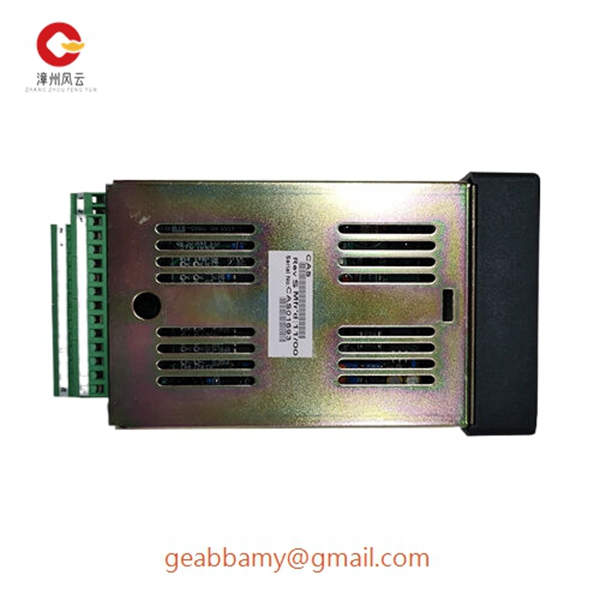
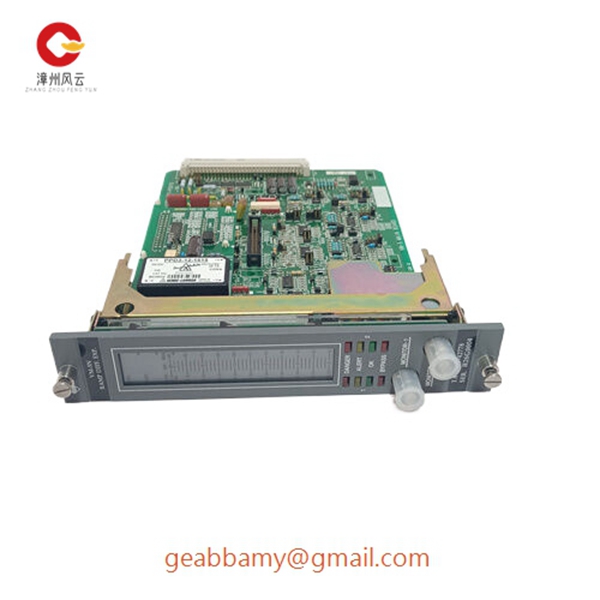
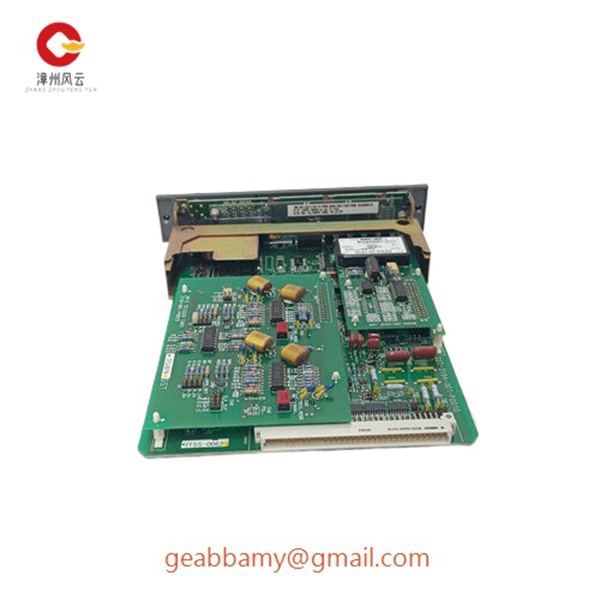
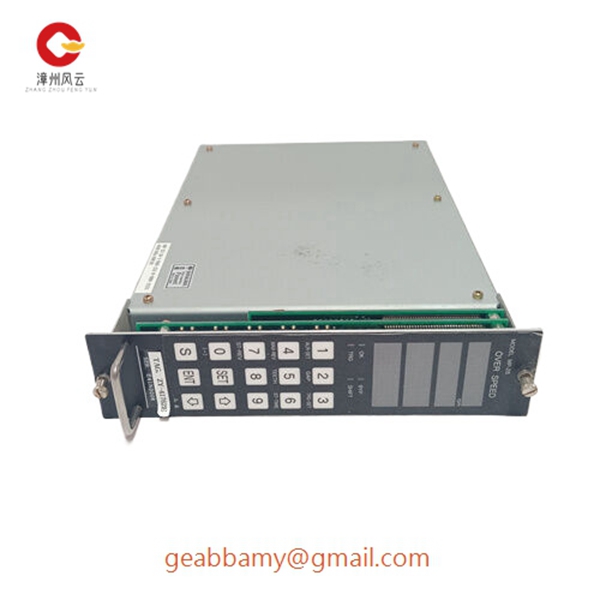
Product Description
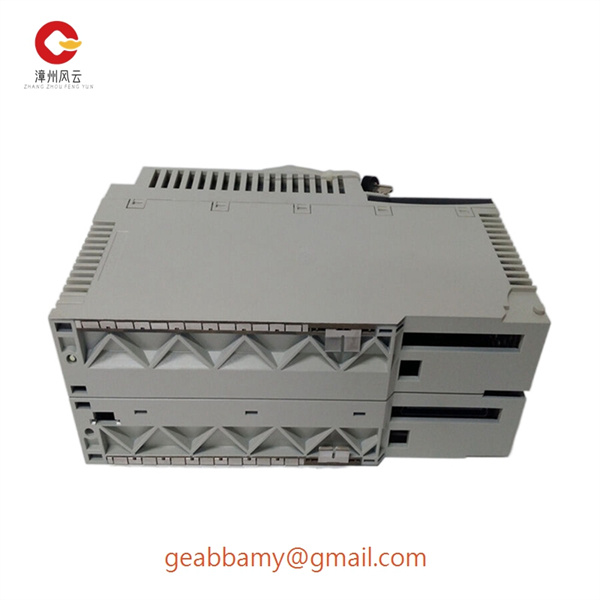
The Yaskawa AI-01 is an 8-channel analog input module designed for Yaskawa MP2000 and compatible MP3000 series machine controllers. Its model number is JAPMC-AN2300, with JAPMC-AN2300-E appearing in certain product documentation.
The module acquires analog voltage and current signals from external devices, such as pressure transmitters, temperature instruments, flow sensors, and other industrial measurement equipment. It converts these signals into digital values for processing by the machine controller.
The AI-01 supports three input ranges: -10 to +10 V, 0 to +10 V, and 0 to 20 mA. Its two input connectors, CN1 and CN2, each support four channels, providing eight channels in total.
With 16-bit voltage resolution and 15-bit current resolution, the module is suitable for machine monitoring, process measurement, and industrial automation applications requiring multiple analog feedback signals.
Product Parameters
- Brand: Yaskawa
- Model: AI-01
- Model Number: JAPMC-AN2300
- Alternative Model Designation: JAPMC-AN2300-E (verify suffix)
- Product Name: 8-Channel Analog Input Module
- Product Series: MP2000 / Compatible MP3000 Controller Systems
- Product Type: Analog Input I/O Module
- Number of Channels: 8
- Input Voltage Ranges: -10 to +10 V; 0 to +10 V
- Input Current Range: 0 to 20 mA
- Maximum Rated Voltage Input: ±15 V
- Maximum Rated Current Input: ±30 mA
- Voltage Input Impedance: 20 kΩ
- Current Input Impedance: 250 Ω
- Voltage Resolution: 16-bit
- Current Resolution: 15-bit
- Input Conversion Time: 1.4 ms maximum
- Accuracy at 25°C: ±0.1%
- Operating Temperature: 0 to 55°C
- Storage Temperature: -25 to 85°C
- Operating Humidity: 30% to 95% RH, non-condensing
- Connectors: CN1 and CN2
- Status Indicator: RUN, green LED
- Current Consumption: 500 mA maximum
- Dimensions: Approximately 125 × 95 × 19.3 mm
- Weight: Approximately 100 g
- Product Status: Verify actual stock condition
- Place of Manufacture: Not confirmed
- Country of Origin: Verify product nameplate
- Power Requirements: Controller system power; confirm the applicable rack specifications
- Discontinued Status: Confirm current Yaskawa availability
Main Features
- Eight analog input channels for industrial measurement signals.
- Supports voltage and current input modes.
- Two connectors, CN1 and CN2, with four channels per connector.
- Selectable input ranges for different sensor applications.
- 16-bit voltage and 15-bit current digital resolution.
- Photocoupler isolation between input connectors and system power supply.
- Green RUN indicator for module operating status.
- Compatible with supported Yaskawa MP2000 and MP3000 controller configurations.
- Suitable for process monitoring, machine feedback, and automation measurement applications.
Installation and Commissioning
- Confirm that the controller supports the AI-01 module and verify the exact model number.
- Check the controller rack, option slot, and available module capacity.
- Identify the required voltage or current input mode for each channel.
- Shut down the controller and isolate power before installation.
- Install the module in the specified slot according to the Yaskawa hardware manual.
- Connect the analog input cables to CN1 and CN2.
- Verify signal polarity, terminal assignments, shielding, and grounding.
- Configure the input mode and channel usage in the controller engineering software.
- Confirm that the programmed input ranges match the connected instruments.
- Restore power and check that the green RUN indicator operates normally.
- Monitor the analog input values and compare them with calibrated reference instruments.
- Complete functional testing before placing the machine into production.
Daily Maintenance and Care
- Inspect CN1 and CN2 connectors for loose connections and contamination.
- Check signal cables for insulation damage and electrical interference.
- Verify analog readings against the connected field instruments.
- Monitor the RUN indicator and controller diagnostic messages.
- Inspect cabinet ventilation and operating temperature.
- Check grounding and cable shielding arrangements.
- Investigate unstable readings, sudden signal changes, or channel faults.
- Keep spare modules in antistatic packaging in a dry storage environment.
Troubleshooting and Common Questions
Q1: What is the function of the Yaskawa AI-01?
A: It receives external analog voltage and current signals and converts them into digital values for processing by a compatible Yaskawa machine controller.
Q2: How many input channels does the AI-01 provide?
A: It provides eight channels, divided between two connectors, CN1 and CN2, with four channels per connector.
Q3: Which input signals are supported?
A: The documented ranges are -10 to +10 V, 0 to +10 V, and 0 to 20 mA.
Q4: What does the green RUN LED indicate?
A: A lit green RUN indicator indicates normal module operation. If it is off, check module installation, controller communication, channel configuration, and system power.
Q5: Are the eight input channels electrically isolated from one another?
A: No. The documented specification states that the channels are not isolated from each other. Photocoupler isolation is provided between the input connectors and system power supply.
Q6: Why are the analog readings inaccurate?
A: Possible causes include incorrect input-mode configuration, incorrect sensor scaling, wiring polarity problems, grounding issues, electrical interference, or faulty field instruments.
Q7: Can the AI-01 be used with an MP3000 controller?
A: Yaskawa documentation lists AI-01 for compatible MP3000-series controller systems. Confirm the specific controller model and supported option configuration.
Recommended Yaskawa Related Models
The following are related Yaskawa controller and I/O products. They are not all direct replacements for AI-01.
- JAPMC-AN2300 – AI-01 Analog Input Module
- JAPMC-AN2300-E – AI-01 Analog Input Module Variant
- AO-01 – Analog Output Module
- JAPMC-AN2310 – Analog I/O Related Module; verify configuration
- MP2000 – Machine Controller Series
- MP2100 – Machine Controller
- MP2100M – Machine Controller
- MP2300 – Machine Controller
- MP2300S – Machine Controller
- MP2310iec – Machine Controller
- MP3200iec – Machine Controller
- MP3300iec – Machine Controller
- CPU-01 – MP2000 Series CPU Module
- CPU-02 – MP2000 Series CPU Module
- DI-01 – Digital Input Module
Safety Precautions
- Installation must be performed by qualified automation technicians.
- Isolate controller power before inserting or removing the module.
- Verify the correct voltage or current input range before connecting field devices.
- Do not exceed the maximum rated input values.
- Remember that input channels are not isolated from one another.
- Use appropriate shielding and grounding for analog signal wiring.
- Avoid connecting or disconnecting field wiring while energized unless the approved procedure permits it.
- Confirm module and controller compatibility before commissioning.
- Validate all measurement channels before returning the machine to operation.